
Download Picture Merge Genius – merge photos, photo collage, image editor, photo merger, digital collage
Overview
Picture Merge Genius is a productivity-focused mobile application designed to simplify the process of combining multiple images into cohesive, visually appealing collages. The app serves as a digital tool for users seeking creative control over photo composition, enabling seamless merging of images with customizable positioning, transparency, and sizing. It addresses the common challenge of creating personalized photo displays without requiring advanced design skills or complex software.
Targeted at casual photographers, social media content creators, and individuals who value visual storytelling, Picture Merge Genius empowers users to craft unique digital presentations from their personal image libraries. Whether preparing visuals for social media posts, digital scrapbooks, or personal projects, the app offers a streamlined workflow from image import to final output. Its intuitive drag-and-drop interface lowers the barrier to entry for users unfamiliar with professional photo editing tools.
Developed by Joe C. Jones, the app reflects a focus on user-centric design and creative flexibility. While no additional details about the developer’s background are available, the app’s functionality suggests a deliberate emphasis on usability and customization. In the broader mobile app ecosystem, Picture Merge Genius fills a niche for lightweight, accessible image manipulation tools that prioritize simplicity without sacrificing creative control. The release on July 14, 2023, positions it as a recent addition to the growing category of mobile photo editing utilities.
Key Features & Functionality
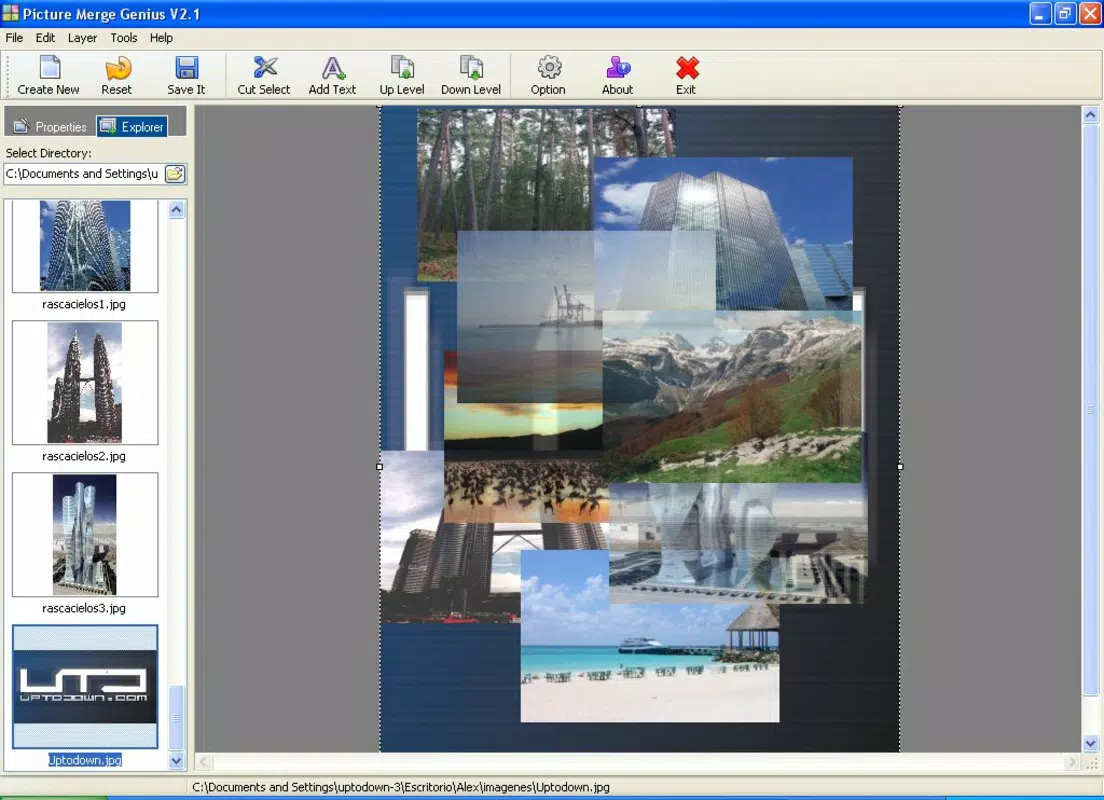
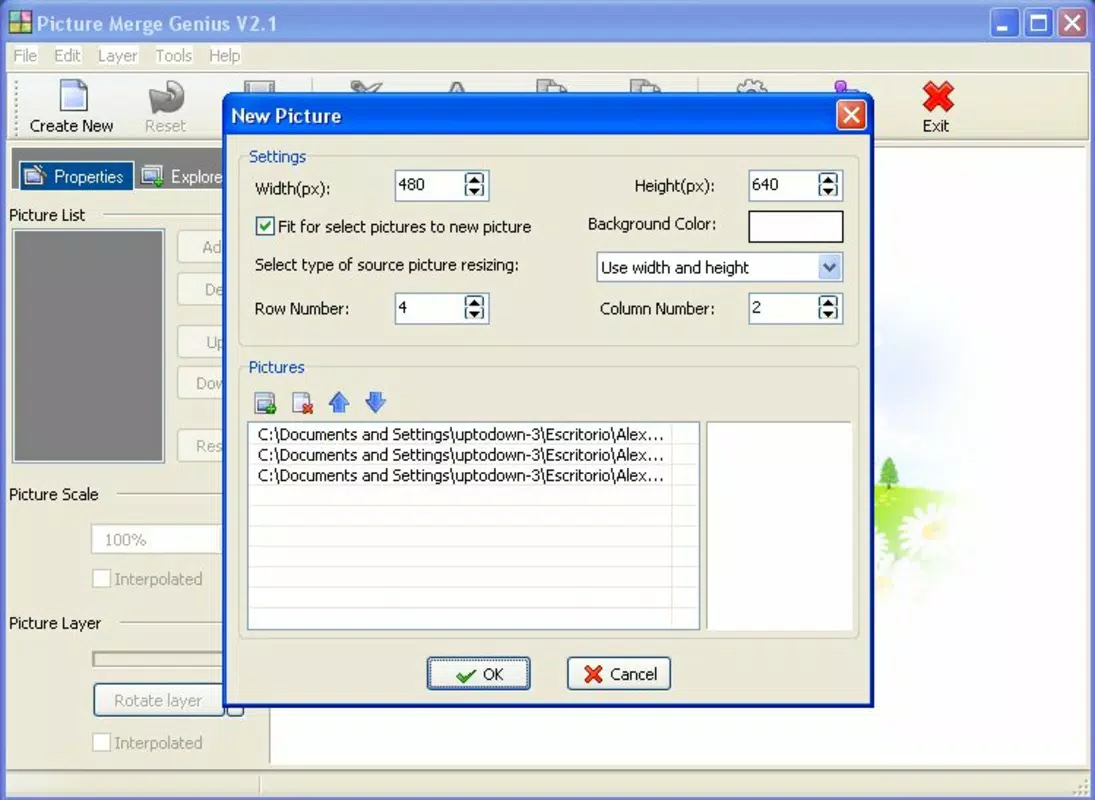
- Drag-and-Drop Image Import – Users can effortlessly load photos by dragging them into the workspace, eliminating the need for complex file navigation and reducing the time required to begin editing.
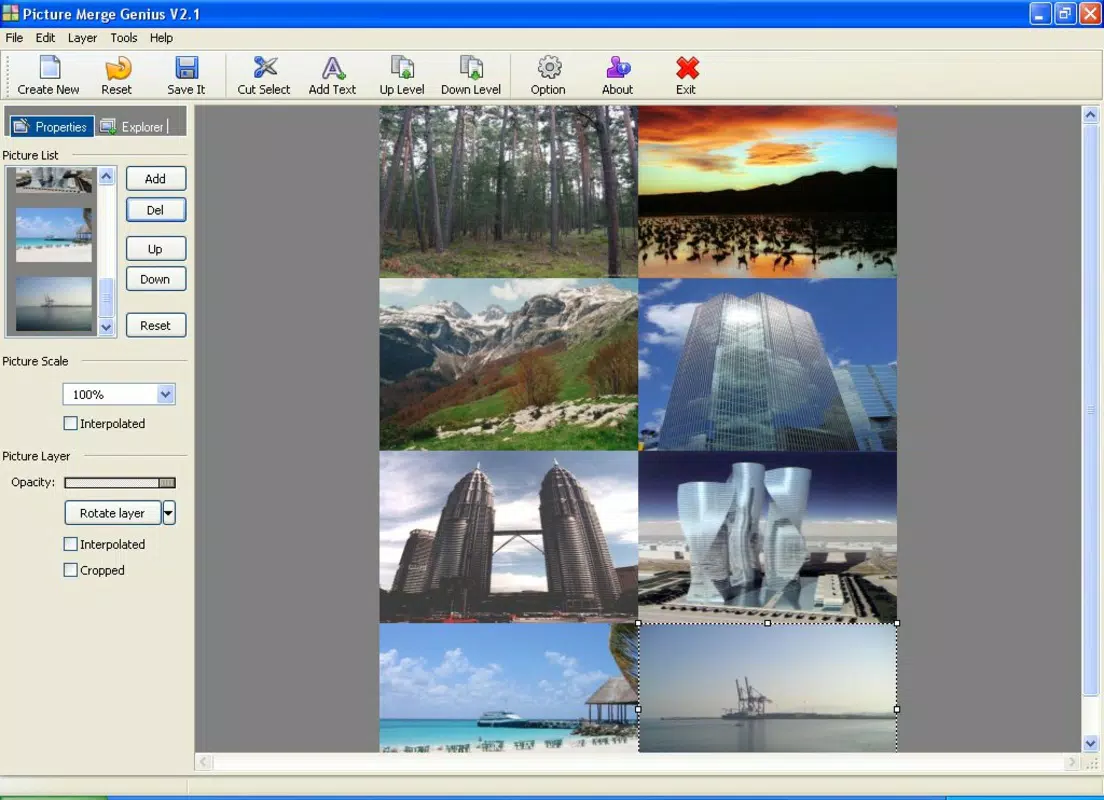
- Precise Image Positioning – Each photo can be placed in any desired order—forward, backward, or intermediate—allowing for layered compositions that reflect the user’s intended visual hierarchy.
- Adjustable Transparency Levels – The ability to modify opacity enables users to create subtle overlays, ghost effects, or blended transitions between images, enhancing visual depth.
- Resizing and Scaling – Each image can be resized independently, allowing for proportional adjustments to fit within the collage layout while maintaining clarity and focus.
- Multi-Format Support – The app accepts a wide range of image formats including JPEG, TIFF, BMP, WMF, PIX, PNG, and PCX, ensuring compatibility with most standard photo sources.
- Flexible Output Options – Completed collages can be saved in multiple formats such as JPG, BMP, GIF, or PNG, offering users adaptability for different sharing and storage needs.
For example, a user preparing a birthday tribute can layer a portrait over a textured background, reduce its opacity for a soft glow effect, and resize it to fit a specific area. Another user might create a travel collage by arranging multiple landscape shots with varying transparency to simulate a dreamy, overlapping narrative. These features collectively support a hands-on, creative experience tailored to individual expression.
Interface, UX & Performance
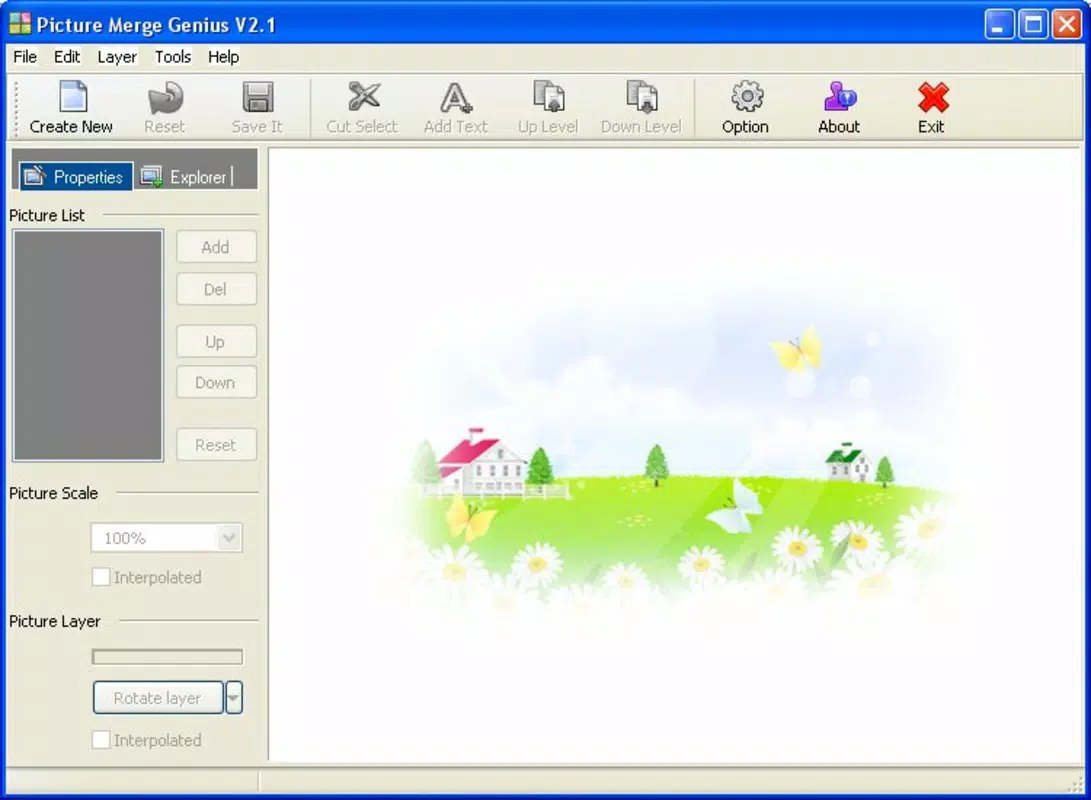
Picture Merge Genius features a clean, minimalistic interface that prioritizes accessibility and visual clarity. The layout centers around a central workspace where images are placed and manipulated, with toolbars and adjustment panels positioned for easy access without cluttering the screen. Navigation is straightforward, relying on touch-based interactions such as tapping, dragging, and pinching to scale.
Users can expect a responsive experience across a range of Android devices, though specific performance metrics were not provided by the developer. The app’s file size of 25.4 MB suggests it is optimized for efficient loading and minimal storage usage. Although the developer did not list formal performance metrics, the absence of reported lag or crashes in the app’s release notes indicates a stable core operation. The interface maintains consistent responsiveness during image manipulation, with transitions between tools and adjustments occurring smoothly.
For users with older or lower-end devices, the lightweight footprint may contribute to improved performance, though no official compatibility thresholds were disclosed. The app’s design avoids unnecessary animations or resource-heavy effects, supporting a focus on functionality. Overall, the user experience appears to be well-balanced between simplicity and control, making it suitable for both novice and intermediate users seeking a reliable photo merging solution.
Platform Compatibility & Technical Requirements
Picture Merge Genius is available exclusively on the Android platform. It requires Android OS, though the specific minimum version was not listed by the developer. The app’s current version is 1.2.1, released on July 14, 2023, and has a file size of 25.4 MB. This compact size indicates efficient resource management and quick installation times.
While the developer did not specify exact operating system requirements, the app’s lightweight nature suggests compatibility with a broad range of Android devices, including mid-tier and budget smartphones. Users should ensure their device meets general Android standards for running image-editing applications. No additional permissions or hardware requirements were mentioned in the provided information. The app’s availability on Android allows users to access it directly through official app distribution channels or trusted third-party sources.
Pros and Cons
Pros
- Intuitive drag-and-drop interface for easy image import
- High level of customization in positioning and transparency
- Supports multiple image formats for broad compatibility
- Offers flexible output options for different use cases
- Lightweight file size (25.4 MB) for efficient storage
- Free to download and use with no in-app purchases
Cons
- Specific OS version requirements were not disclosed
- No information on advanced editing tools such as filters or text overlays
- Compatibility with older Android devices is not confirmed
- Limited feedback on performance under heavy image loads
- Developer details beyond the name were not provided
FAQ
Is Picture Merge Genius safe to download?
The app is available for free and was released by Joe C. Jones. As with any third-party app, users should ensure they download from trusted sources to maintain device security.
Can I use Picture Merge Genius on iOS devices?
Currently, the app is only available on Android. No iOS version has been announced.
Does the app require an internet connection?
No, Picture Merge Genius functions entirely offline. All editing and saving processes occur locally on the device.
Are there ads or in-app purchases?
The app is free to download and use. No ads or in-app purchases were mentioned in the provided details.
How often is the app updated?
The latest version, 1.2.1, was released on July 14, 2023. No information on update frequency was provided.
Final Thoughts
Picture Merge Genius stands out as a practical and creative solution for users looking to merge photos into polished collages without the complexity of professional software. Its combination of intuitive controls, customizable features, and broad format support makes it a valuable tool for personal and social media use. The app’s lightweight design and free availability enhance its accessibility, appealing to users who want a no-frills yet powerful image editor.
While some technical details remain undisclosed, the app’s core functionality is clearly defined and well-executed. It is ideal for hobbyists, content creators, and anyone who values visual customization in their digital storytelling. For those seeking a reliable, easy-to-use photo merger on Android, Picture Merge Genius delivers consistent value with minimal overhead.
Download Picture Merge Genius now


